 Download for iPhone
  Download for macOS

Works with your conversations
Keep the messages that matter, wherever the conversation started.
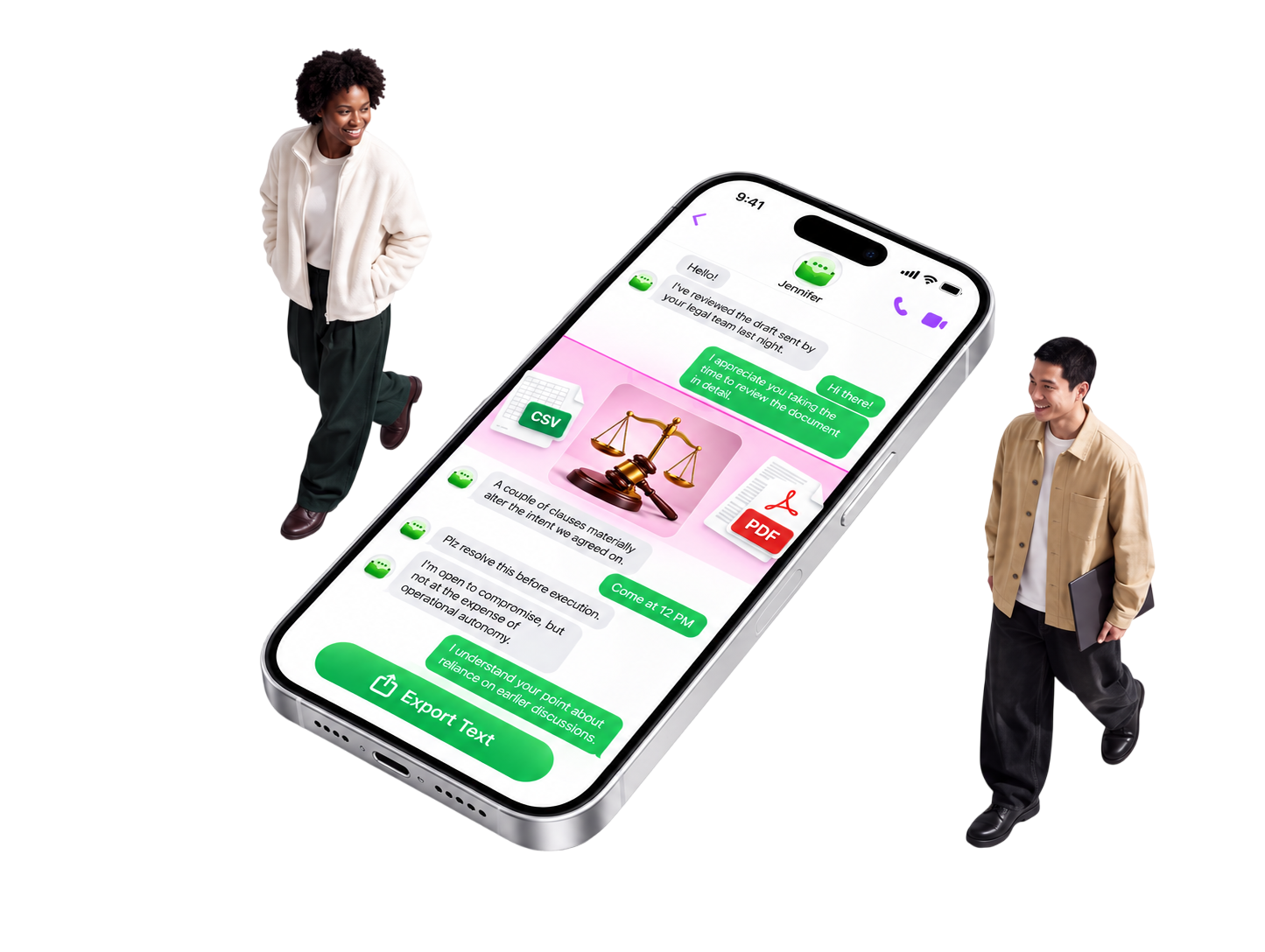
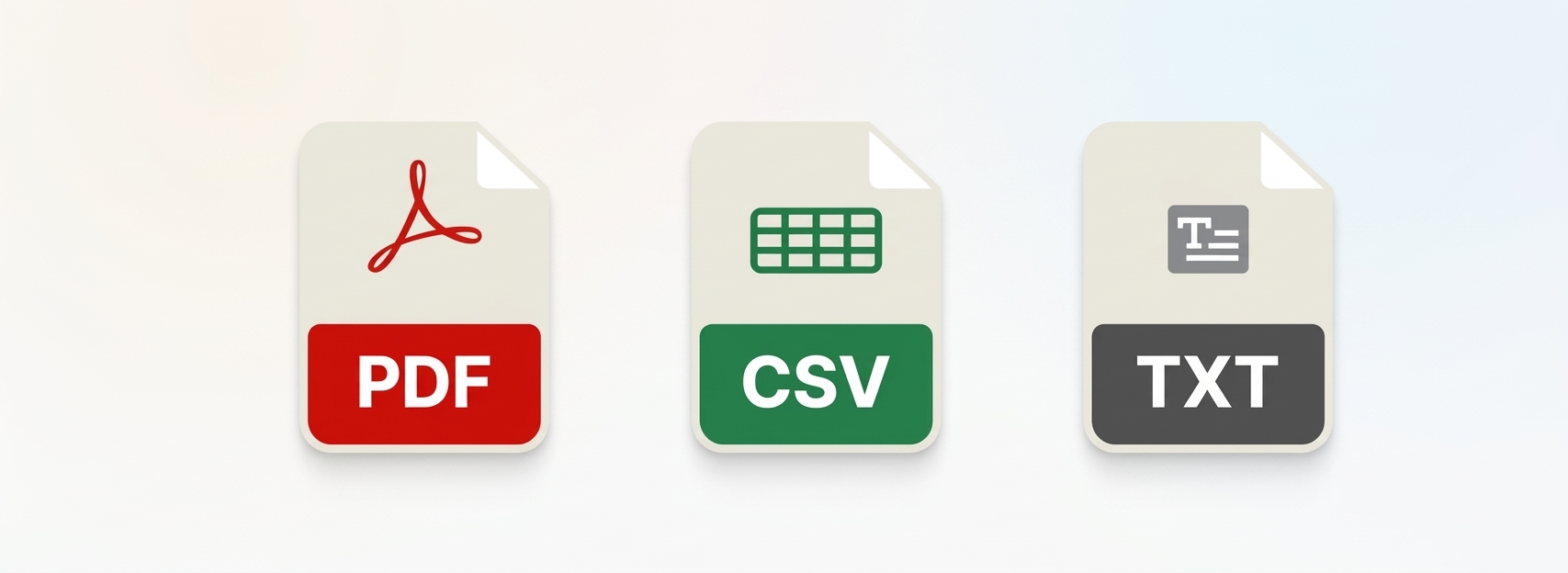
Export conversations from any messaging app directly on your device. No cables, computers, or extra software required—just instant, legally formatted PDFs, CSVs, and text archives for custody cases, legal disputes, or personal records
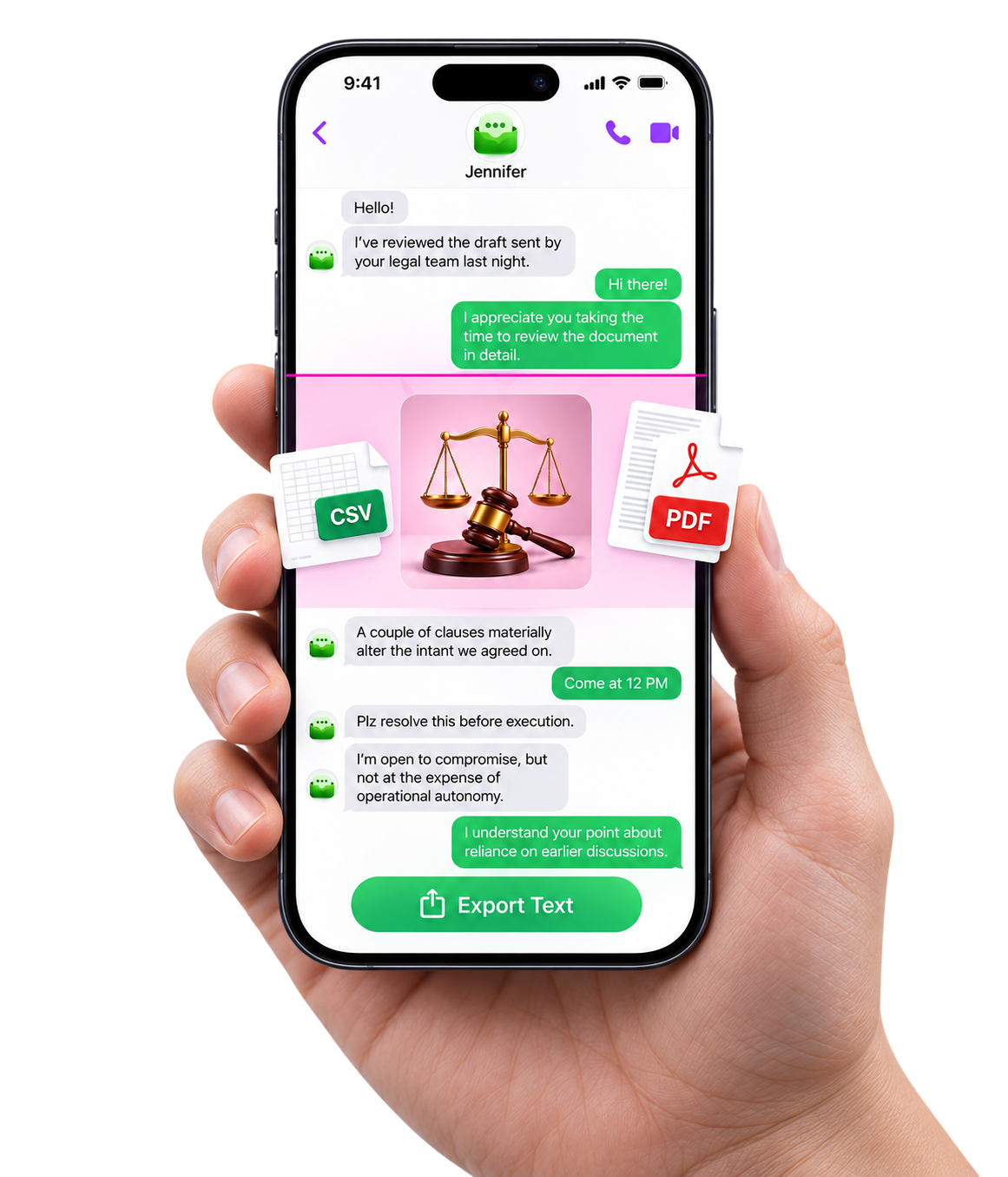
Keep the messages that matter, wherever the conversation started.
Export exactly what you need for sharing, printing, or keeping a record.
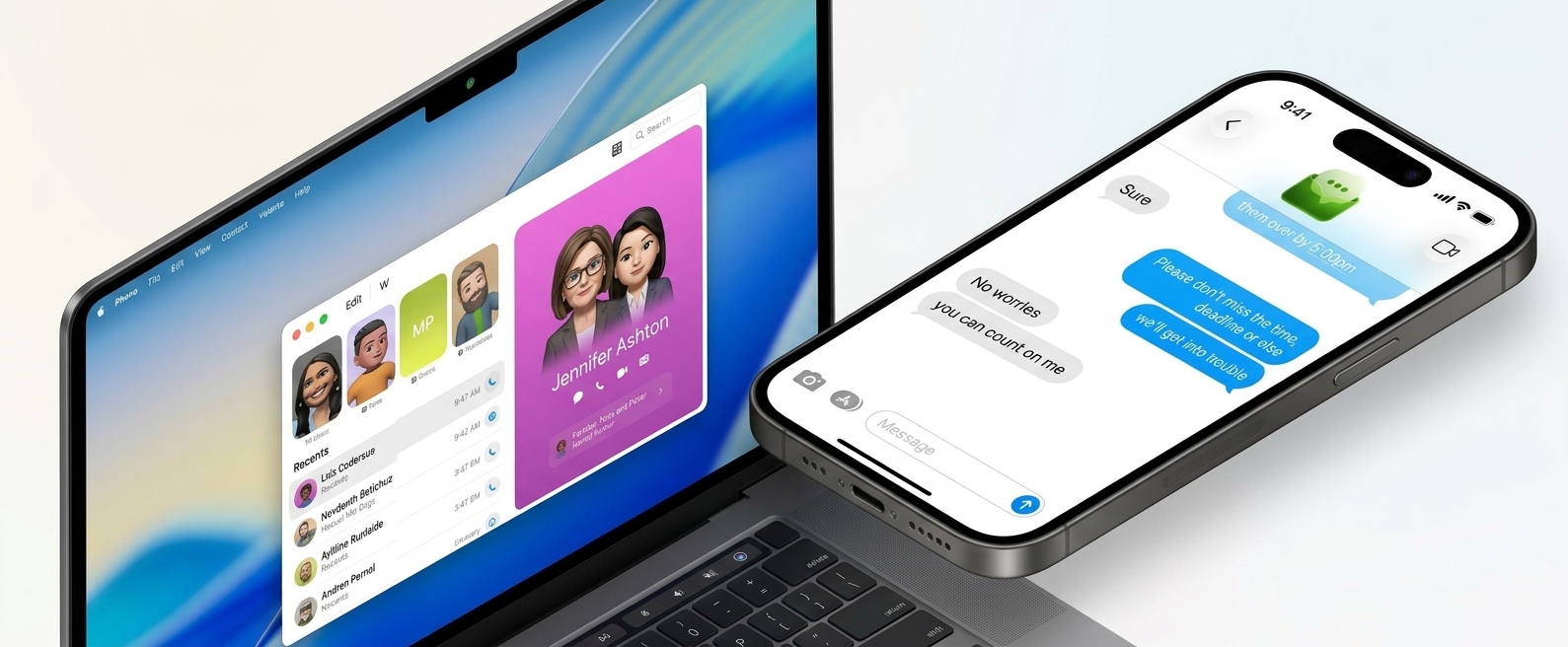
Capture and export right from your iPhone, then continue on Mac.
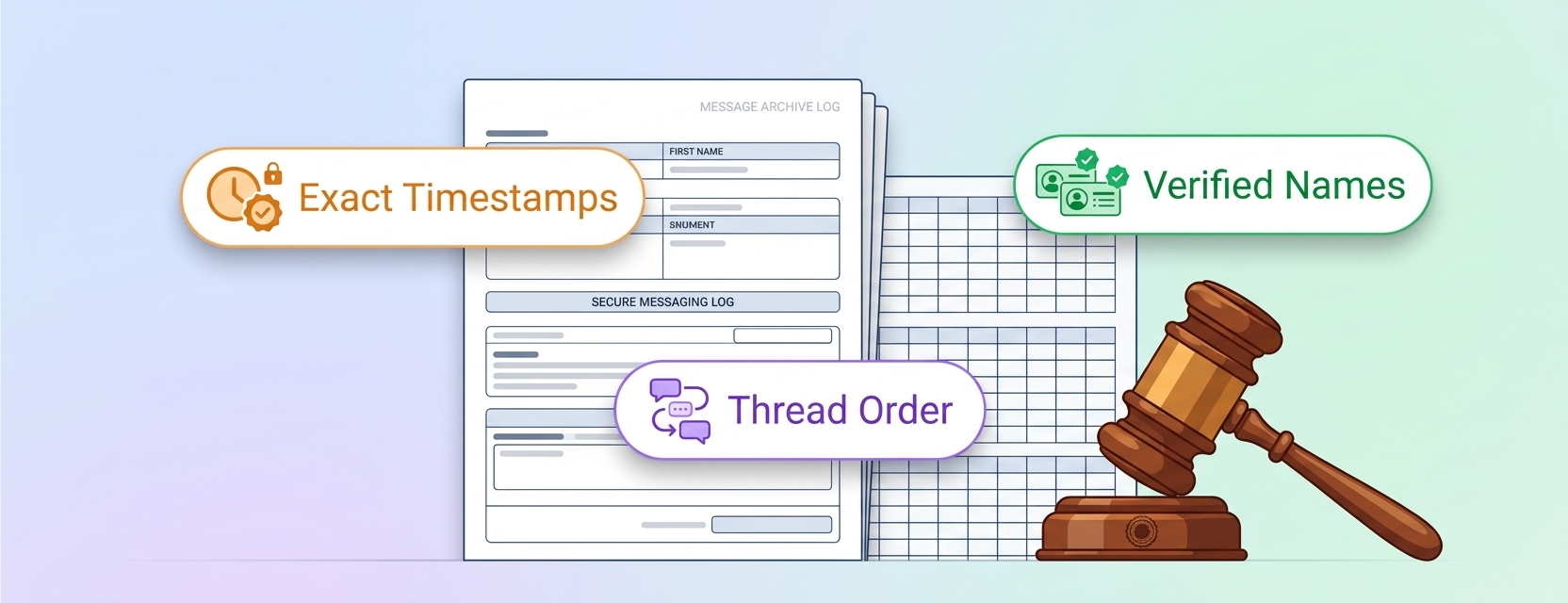
Keep names, timestamps, and text order intact when context matters.

Export the full context, not just a screenshot. Make your conversations useful outside the app.
Explore exporting